
Interrupted connectivity
An unreliable connection can interrupt an online-only working routine.
With Accounttally
Use the desktop client's supported offline workflows after initial online setup.
Accounting for desktop
Use the desktop accounting workspace after online device setup, continue supported work offline and synchronize when connectivity returns.
More time for your business
A clearer view of the money coming in, the money going out, and the records behind every decision.
An unreliable connection can interrupt an online-only working routine.
With Accounttally
Use the desktop client's supported offline workflows after initial online setup.
Records created away from a connection still need to reach the connected workspace.
With Accounttally
Reconnect to synchronize supported changes and review conflicts that need a decision.
Some operations depend on server or provider access.
With Accounttally
Keep provider calls, payments and required administration in their connected workflows.
Simplify everyday business
Bring the important details together in a workflow your team can understand.
Offline-first workspace
Complete sign-in and device registration before using the supported offline workspace.
Supported local workflows
Continue the desktop workflows that support local records, subject to the device's current entitlement.
Synchronization on reconnect
Synchronize supported changes and resolve conflicts explicitly rather than hiding differences.
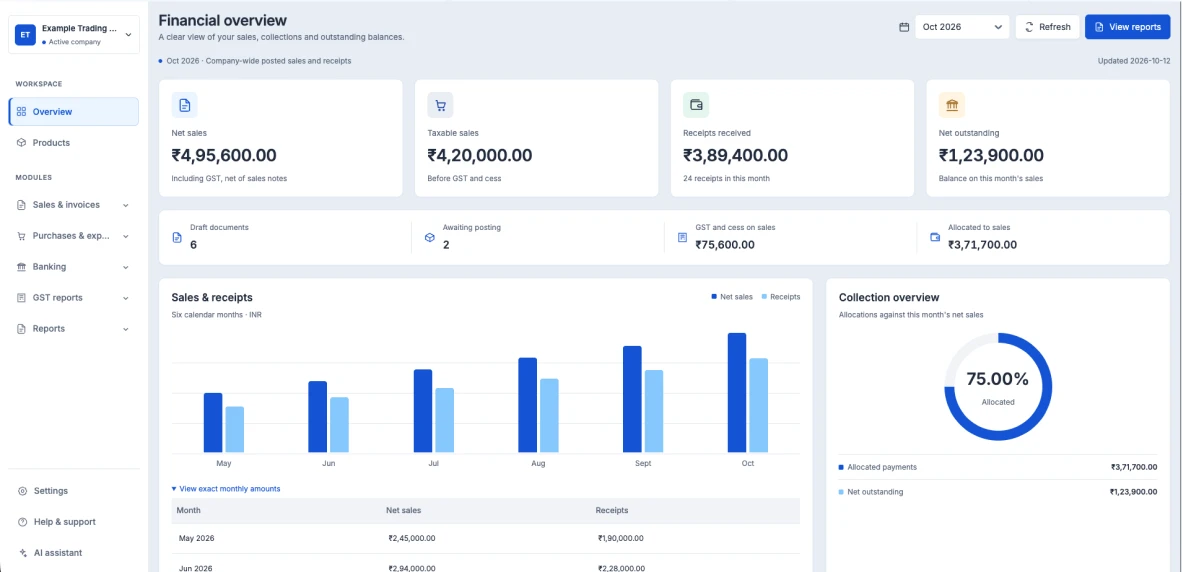
Offline-first workspace
Open the web workspace for subscription management and other online-only operations.
A more organized routine
Start with the right business context.
Keep the important details together.
Review the records with confidence.
Continue with a clear view of the next step.
Why businesses choose Accounttally
Keep customer, supplier and transaction information in the right place.
Review the accounting reports that support your everyday decisions.
Follow posted records and explicit corrections back to their source.
Use web and supported desktop workflows for your business.
See the bigger picture
Connected records help you understand the detail behind your financial position.
We're here to help
Use the desktop accounting workspace after online device setup, continue supported work offline and synchronize when connectivity returns.
Talk to our team about your business and the workflows you need. You can also explore the plans or open the web workspace to create an account.
Accounttally has a connected web workspace and an offline-first desktop client. Initial desktop sign-in and device setup require connectivity; some workflows remain online-only.
Offline entitlements are time-limited. After expiry, desktop becomes read-only until verification; filing, provider calls and payments require connectivity.
Explore the Pricing page for Starter, Business and Custom options. Use the Home inquiry form to discuss your requirements with the Accounttally team.
Have a different question? Talk to our team